Below are the steps to fix the error ” Failed to generate hwid #2 ” on AMT (Android Multi Tool). Follow the steps.
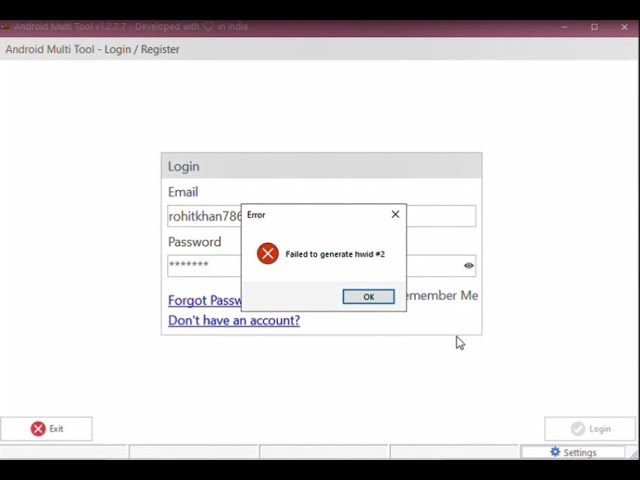
Failed to generate HWID #2 Fix
- Open cmd.exe [Command Prompt] as administrator and run these commands one by one:
- winmgmt /salvagerepository
- winmgmt /verifyrepository
- winmgmt /resetrepository
- DONE!
Read also:
- Tecno Flash Tool Free Download Software download v4.1901.23.17
- Open ADB Huawei 2018 Tool Free Download
- Inferno SPD v1.2.5 OFFICIAL Crack Free Download 100% TESTED
Android Multi Tool is an advanced mobile phone repairing tool designed to work with smartphones. It supports Flash / Unlock / Factory Reset / Reset FRP / Mi Account Remove, etc on multiple brands’ smartphones.
It works with VIVO | XIAOMI | TECNO | INFINIX | ITEL | REALME | KARBONN | SAMSUNG | OPPO etc phones.
Features
- Flash
- Unlock
- Factory Reset
- Reset FRP
- Remove Mi Account
- Reset EFS
- Unlock / Relock Bootloader
- Read / Write RPMB
- Fix DeadBoot
- Fastboot to EDL

Tech GURU