
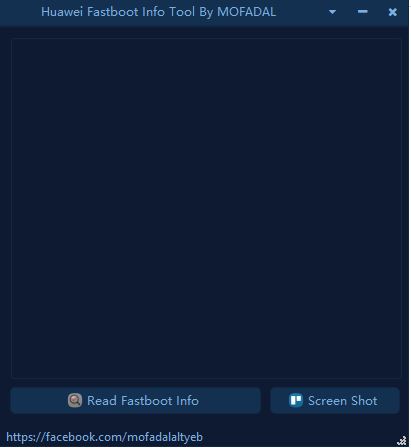
Huawei Fastboot Info Tool is a small tool for Huawei and Honor smartphones that run on the Android operating system. this tool function is straightforward you can identify the model number, IMEI number, Lock status, Bootloader Status, Serial number, etc.
There is no need to disassemble the phone and check what model number the phone is. now the new smartphone hides the identification mobile for security reasons but if you use this tool you can easily find all the details.
Huawei Identification Features:
- FBSN(Serial Number)
- Model
- D_Model
- Firmware Version
- Baseband Version
- Custom
- Preload Info
- Bootloader Status
- Region (Country Status)
- Rescue Version
Huawei Fastboot Info Tool
How To Use
- Download the Tool and extract it to the desktop
- Installing fastboot drivers is necessary.
- Connect the phone to Fastboot mode (Volume Down and Power Button).
- Open the tool and click on the Read Fastboot_Info button.
- wait 5 seconds to decrypt information from mobile.
- if you need a screenshot then simply click on the ScreenShot button.
Read also:
- Miko Xiaomi Recovery 5.0 Sideload Tool V6 FREE
- SP Flash Tool All Versions Free Download
- SPD USB Drivers x32 and x64 bit Windows 7/8/10/11
Filename:- Huawei Fastboot Info Tool
File Size:- 8.1 MB
File Download:- Mediafire
File Type:- RAR
File Password:- Without a password

Tech GURU




A99JBB5911101876