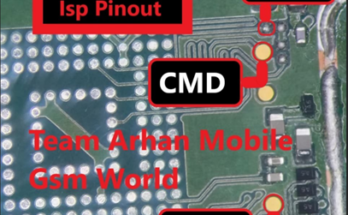
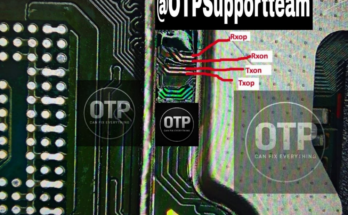
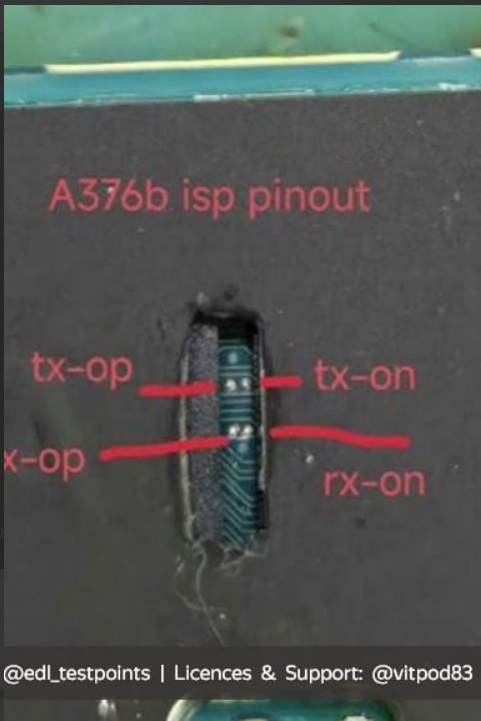
SM-A376B ISP pinout for FRP, unlocking, flashing, dead boot fix, and many more operations with supported tools like F64 Ultra, JTAG, and many more.
Read also, Redmi A5 Test Point | 2025 Serenity
Samsung Galaxy A37 5G (SM-A376B) to bypass FRP or perform memory repair, you need to solder jumper wires to the board’s UFS/eMMC test points to connect with tools like Easy-Jtag, UFI Box, or F64 Ultra Box.
Because exact test point schematics on the motherboard’s PCB are highly micro-detailed and change per hardware revision, technicians rely on dedicated repair software diagrams.
To safely proceed with accessing the ISP pinout on the SM-A376B, you will need to:
- Check Repair Suites: Open dedicated eMMC/UFS software tools (e.g., Easy-Jtag or UFI Box) to view the exact, high-resolution hardware layouts for the SM-A376B (A37).
- Follow UFS/Exynos Protocols: For this device (which typically uses an Exynos processor), connect the TXN, TXP, RXN, RXP, GND, and RST wires correctly to avoid damaging the board.

Tech GURU