


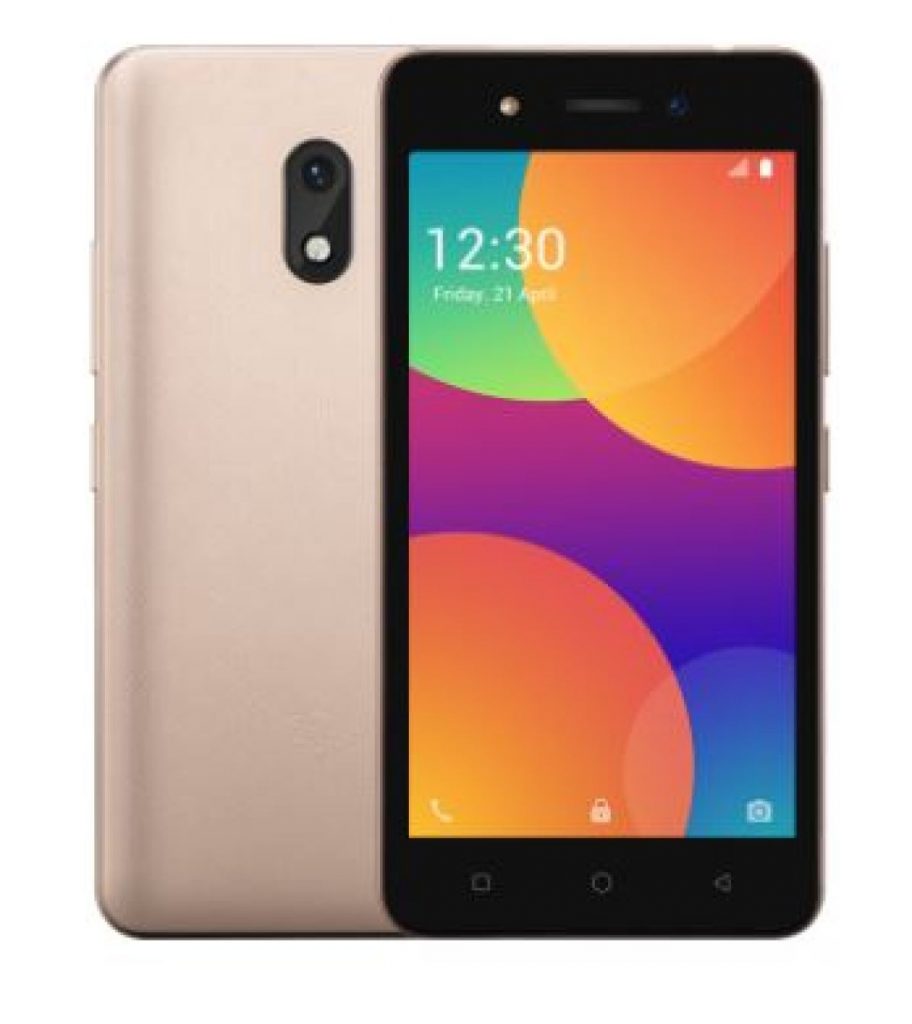
Download the factory-signed Itel A16 Plus Firmware file Android 10 and flash it to your phone and solve issues like dead/bricked, hang on logo, and many more software-related problems with Itel A16 Plus.
NB: Before flashing, make sure that:
- The battery is charged at least 30% (although some flashing can be done without the battery)
- The phone is switched off
- You have installed Spreadtrum SCI USB drivers on your PC
- You have downloaded the firmware above and extracted it
- You have a PC and a compatible USB cable

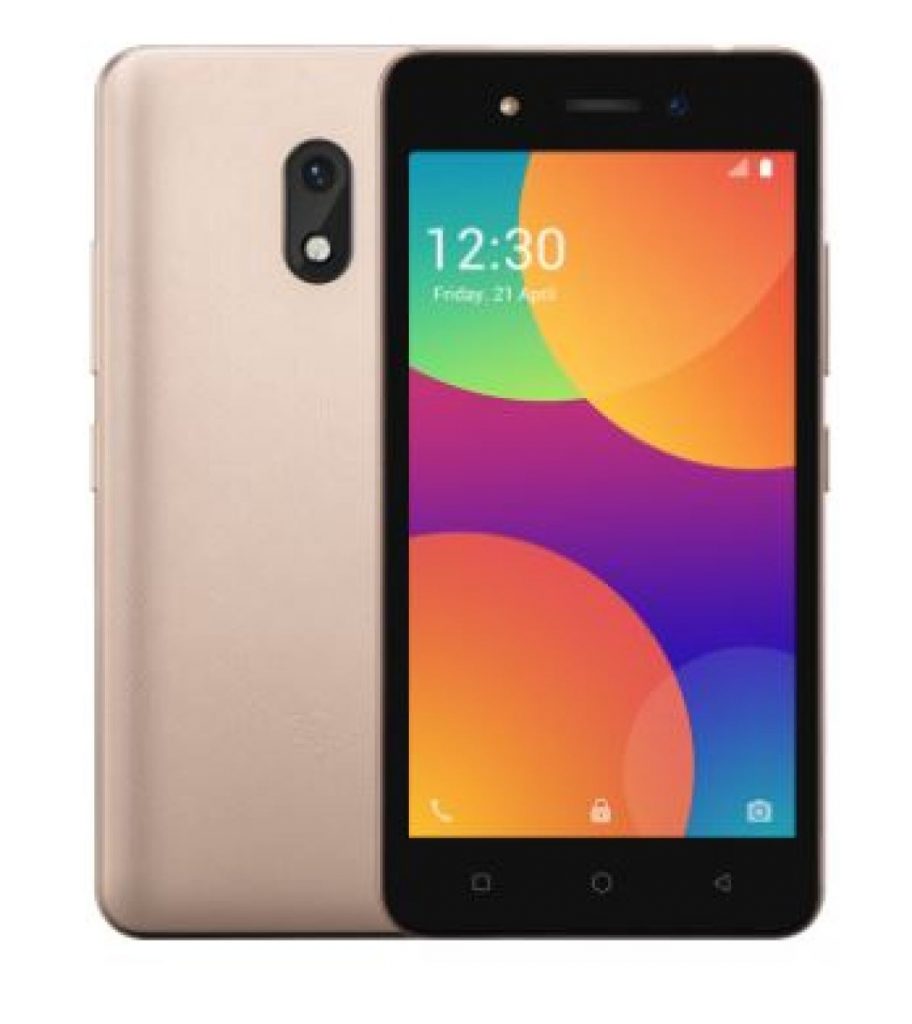
Download Itel A16 Plus Firmware
- A16Plus-SA332Q-10-OP-V027-20230218
- A16Plus-SA332Q-10-OP-V025-20221114
- A16Plus-SA332Q-10-OP-V023-20220830
- A16Plus-SA332Q-10-OP-V022-20220704
- A16Plus-SA332Q-10-OP-V017-20220111
- A16Plus-SA332Q-10-OP-V016-20211108
- A16Plus-SA332-8.1-BD-V017-20200506
- A16Plus-SA332RU-8.1-RU-V015-20210302
How to Flash
- Download and Install SPD Driver on your PC
- Download and Extract Firmware File
- Run the SPD Flash tool or the tool you are using and load Package
- Select the PAC file from the extracted folder
- Click Download and connect your switched-off Phone by holding the boot keys where necessary.
- Let the process finish, DO NOT Disconnect during flashing.
- When done flashing disconnect and power ON
Read also;
- Infinix X688B Frp File Free Download | Hot 11 Play
- ACT Unlock Tool Pro Free | MTK Models Support
- Alcatel 5007u Admin Remove Solved!
- Itel It5081 Display Fix
How to flash/unbrick an Itel A16 Plus
The firmware above is in .pac format (after you extract from zip, rar, or 7z file) so this means you can flash with Research Download or Upgrade Download tool, Infinity Chinese Miracle II SPD Box, Miracle Box, or any other Chinese box or tool which supports flashing in PAC format.
Before flashing, ensure that:
- The battery is charged to an extent and inserted into the phone
- The phone is powered off / switched off
- You have installed Spreadtrum SCI USB drivers
- You have downloaded the firmware above and copied the .pac file into a folder (ensure to unzip if the pac file is in a zip, rar or 7z file)
- You have a PC and USB cord
The Flashing of stock ROM, Stock Images, can help you to update to newer/older versions of Android, you solve your itel smartphone problems with flashing, fix bugs, unbrick the mobile devices, Slow Software Performance, Pattern Lock Forgotten, Phone Password/Pin Forgotten, Reset Mobile To Restore Factory Settings. remove root access, and custom recovery images.
Read also, Itel P33 Privacy Protection Reset
The Itel Global Firmware, that you find and download from here in this guideline are not different from the ROM,s that you get as over from air updates.
itel A16 Plus – SPECIFICATIONS
General
- Modelitel A16 Plus
- ReleasedMarch, 2019
- StatusAvailable
Design
- TypeBar
- Dimensions73 x 145 x 9.75 mm
- Weight147 Grams
- waterproof
Display
- Display TypeTN
- Size5 in (inches)
- Resolution480 x 854 pixels
- Display Colors16M
- Pixel Density196 ppi (pixels per inch)
- Touch ScreenYes
- Display ProtectionDragontrail glass
- FeaturesCapacitive
Multi-touch
Scratch resistant
Hardware
- CPUARM Cortex-A7, 1300 MHz, Cores: 4
- GPUARM Mali-T820 MP1, Cores: 1
- RAM (Memory)1 GB
- Internal Storage8 GB
- Memory Card SlotmicroSD, microSDHC, microSDXC
- SensorsAccelerometer
Software
- Operating SystemAndroid 8.1 Oreo Go Edition
- User interfaces
Camera
- Rear Camera5.04 MP (megapixels)
- Image2592 x 1944 pixels
- Video1280 x 720 pixels
- FlashDual LED
- Front Camera0.31 MP (megapixels)
Network
- SIMMicro SIM
- Dual SIMMicro-SIM
Connectivity
- Wi-fib, g, n, Wi-Fi Hotspot
- USB2.0, Micro USB
- GPSGPS, A-GPS
- NFC
- Wireless ChargingNo
- Headphone Jack
Battery
- Capacity2050 mAh, Li-Ion
Media
- Video PlaybackYes
- Video OutYes
- FM RadioYes
- Ring TonesYes
- loudspeakers
- HandsfreeYes
Data
- 4G LTEYes
- SpeedLTE 1800 MHz LTE 2100 MHz LTE-TDD 2300 MHz (B40) LTE-TDD 2500 MHz (B41)


Tech GURU