


Mobile Phone As CCTV Surveillance Cam


Do you have a spare or extra smartphone? This article will guide you on how to simply use your mobile phone as CCTV cam or any phone as long as it is a smartphone and it has WiFi and the camera is working to make a home security surveillance cam.
Security is something which everybody wants in their life but nobody actually wants to spend any money on it. This article is free and very easy to do and it doesn’t require any wiring or contract.
What you will need
- Smartphone
- Internet Connectivity
- Alfred Home Security IP Cam App
- Google Account-For Verification and security purposes
How To Install
First you need to download and install Alfred Home Security Camera app. Download it from google playstore or iTunes store for free and follow the procedure to install it.
Alfred is a mobile application for Android as well as iPhones, its free to download and very light, user friendly and it turns your smartphone into IP camera.
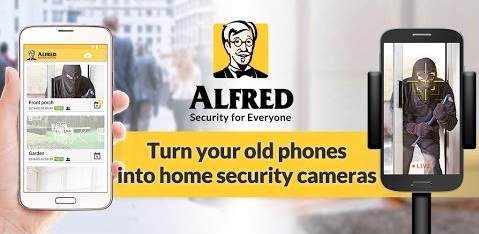

As long as your old devices run Android 2.3, they are compatible with this app. You will need to install it on both the phone you are using and the one you want to use as CCTV cam.
After installing on both phones, launch the apps and set which one you want to use as the CCTV camera and which is the viewer. The one you are currently using should be the viewer and it will act as the control center.
Next just sign in to your google account on both phones and verify. That’s it!!
Both the devices can be set upon different networks as long they are connected to the internet, so you can be anywhere in the world and still look at your things back at home. The app also supports two way radio and you can setup multiple devices at the same time.
If you prefer to look at your computer screen, then just open Alfred Web Viewer with Chrome, Firefox or Safari. Next select the best mounting position on where you want to place the cam and start rolling.
SkyBell HD, The Best Smart Doorbell Camera
Alfred Home Security Cam App Features
- Remote access: stream live video wherever you are.
- Motion sensor & instant alerts: always know when something happens.
- Free cloud storage: save and keep videos.
- Walkie-talkie: interact with family, pets, delivery man, or deter intruder.
- 360 camera: cover a larger area with both lenses.
- Zoom: catch the tiniest details.
This app is amazing and free with very little effort to install


Tech GURU